Every region, the field that feeds it, and the screen that edits it.
The left column is this repository. The right column is the block theme and its companion plugin, which the port ships together. Where the port cannot do the same thing, or has not been proven to, the row says so.
Demo routeDelete src/app/handover.tsx, src/app/components.tsx and the two site.demoNav rows before launch. Nothing else links here, and the page is noindex.
The home page
Where each region comes from
Every band is stamped, then rendered underneath its own stamp.
Every band below is the section itself, rendered at the instant the card was.
1
The header bar
The wordmark, the three routes, and whether the café is open right now.
In this build
src/fixtures/mireille.ts
site.name · site.nav[].label, .href
src/components/site-header.tsx
the bar's structure and the quiet action
src/fixtures/derive.ts
openStatus(), derived from the dayparts and never typed
In WordPress
parts/header.html
Site Editor › Patterns › Template parts › Header
Settings › General
Site title, and the Site Logo block
Site Editor › Navigation
the three routes
carafe/open-status
a dynamic block; change the hours, not the sentence
The counter at whatever hour it is, with the daypart's own clause over it.
In this build
mireille.ts › dayparts[i].image
key and alt: the plate for this service
mireille.ts › site.hero
the fallback plate, used when nothing is being served
src/assets/index.ts
focal: the measured crop, and the one the hero uses
not authored
the heading is built from dayparts[i].label, .start and .end
In WordPress
carafe/hero-served-now
core/cover with its native focal point
Settings › Café › Dayparts
Photograph and focal, per service. This is where the hero changes
Site Editor › Templates › Front page
the Cover block, for the fallback plate
carafe/served-heading
the derived H1; it has no text to lose on import
ManualThe overlay's contrast is measured against the crop, not guessed. Replace a counter plate with a lighter one and the white type over it stops passing AA; WordPress has no equivalent of src/assets/measure-overlay.ts, so the check stays a person's job at the port.
Renderedhero-served
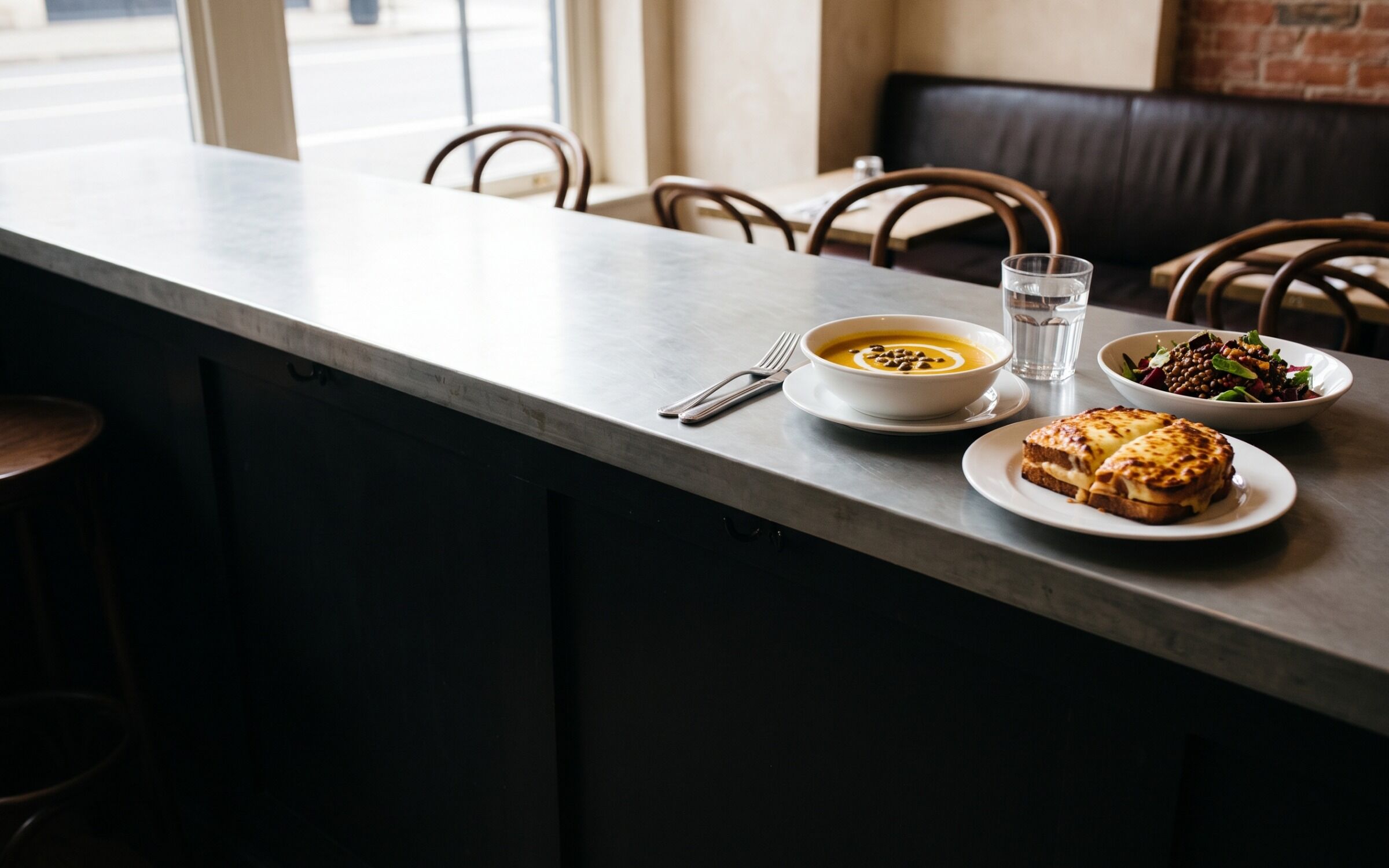
Served now · Wednesday 16 September
Lunch, until half past two.
Walk in and order at the counter: 9 dishes, 2 changes.
Soupe du jour ships with no description; the day's special supplies it.
In this build
menuItems[i].description
null. A printed card cannot know today's soup
slips[] › kind: special
lines[].text, lines[].priceCents
In WordPress
Menu items › the dish
leave Excerpt empty
Day slips › Add new
Kind: Today. Target: the daypart
11
A struck row
A replaces slip strikes the row, stamps its number, and hides its plate.
In this build
slips[] › kind: replaces
replaces: the menuItems id whose row it crosses out
nothing on the item changes
delete the slip or let it expire and the row is back
In WordPress
Day slips › Add new
Kind: Instead. Target: the daypart. Replaces: the dish
Day slips › the slip
Trash it, or move Valid to into the past
12
The card foot
Every mark used on this card, expanded once, and where tax is added.
In this build
derived from the rows
the key lists only the marks this card prints
strings.ts › dietary
V, VG, GF, DF, N. The future carafe text domain
mireille.ts › site.taxNote
the tax line
In WordPress
carafe/dietary-key
built from the rows the card printed
Settings › Café
Tax note
What a client does
The four editing tasks
The four the buyer research puts in front of an operator.
Left is this repository. Right is the block theme and its companion plugin.
Task 1 of 4
Update a dish
Its name, the line under it, its diet marks and which services it is on.
In this build
1Find the item by its id.src/fixtures/mireille.ts › menuItems[]
2Edit the French name and the English line under it.name · description
3Set the marks and the division it prints under.dietary[] · section
4List every service it is served at.dayparts[]
5Move the date, so the footer's freshness stamp moves with it.modified
6Run the fixture check; it refuses a section or daypart that does not exist.bun themes/carafe/src/fixtures/check.ts
In WordPress
1Open the dish.Menu items › the dish
2The title is the French name; the excerpt is the line under it.Title · Excerpt
3Set the marks and the services.Dish details › Dietary, Dayparts
4Pick one term.Menu sections
5Update. The stamp reads post_modified, so it moves on its own.Update
Task 2 of 4
Change a price
For good, or for one service only, without touching the printed card.
In this build
1Edit the price in cents; 1700 prints as $17 and 425 as $4.25.menuItems[i].priceCents
2Add-ons carry their own.menuItems[i].addOns[j].priceCents
3For today only, add a slip instead and leave the item alone.slips[] › kind: "replaces"
4Put the new price on the slip's line and close the window.lines[].priceCents · validFrom · validTo
In WordPress
1Open the dish and set the price.Menu items › the dish › Dish details › Price
2Add-ons are rows in the same panel.Dish details › Add-ons
3For today only, post a slip instead.Day slips › Add new › Kind: Instead
4Give the line its own price and its valid window.Lines · Valid from · Valid to
Task 3 of 4
Replace an image
A new plate, and the point in it the crop has to keep.
In this build
1Put the file beside the others.src/assets/dishes/
2Add its static import and its row to the register.src/assets/index.ts › PLATES
3Record the point the crop must hold; it is measured, not guessed.PLATES[key].focal
4Point the item at the key, with no file extension on it.menuItems[i].image.key
5For a counter plate, re-measure the overlay before it carries type.bun themes/carafe/src/assets/measure-overlay.ts
In WordPress
1Set the dish's photograph.Menu items › the dish › Featured image
2Drag the crop point onto the food.Dish details › Focal point
3A service's counter plate is set with the service.Settings › Café › Dayparts › Photograph
4The hero fallback is the Cover block's own image and focal point.Site Editor › Templates › Front page
ManualThe hero has no scrim: its white type is legible because every counter plate was measured dark where the words land. Core has no equivalent check, so a replacement counter plate is somebody's eye at the port. A dish thumbnail is unaffected; it never carries type.
Task 4 of 4
Point a visitor at a reservation
Which services take a booking, and where the button sends them.
In this build
1Set the mode; the demo ships "link".mireille.ts › site.booking.mode
2Give it the café's own booking page.site.booking.url
3Mark which services take a booking at all.dayparts[i].bookable
4Set where one table ends and a group enquiry begins.site.booking.partyMax · groupMin · groupEmail
5A live policy slip removes a service from the booking line without editing any of this.slips[] › kind: "policy"
In WordPress
1Set the mode, the provider and the URL.Settings › Café › Booking
2Set the party limits and the group address.Booking › Party max, Group min, Group email
3Mark the bookable services.Settings › Café › Dayparts › Bookable
4The header's action is a button in the header part.Site Editor › Patterns › Template parts › Header
UnverifiedOpenTable is the one documented adapter and its current embed requirements have not been confirmed. Until they are, the demo ships the link mode, the provider path is a documented seam, and no listing copy promises compatibility.
Every morning
Posting today’s change
Five kinds of slip, and what each one does to the card.
Every slip carries a window. Outside it the card underneath is the truth again.
Today
Wed 16 Sep
Soupe: courge rôtie et pomme, graines grillées · VG$9
Posted 07:52 by Élise
special
Post today's soup
Adds a line to the card for its window, and fills the row whose description was left empty.
In this build
kind: "special"
target: { type: "daypart", id }, the card it clips to
lines[]
text, and priceCents when the line carries a price
In WordPress
Day slips › Add new
Kind: Today
Target
Daypart, then the service
Instead
Wed 16 Sep
Tomates du marché Jean-Talon instead, last of the season$15
Posted 07:52 by Élise
replaces
Strike a dish, or re-price it for one day
Crosses the row out, stamps its number in the price column, and hides that dish's photograph.
In this build
kind: "replaces"
replaces: the menuItems id whose row it strikes
lines[].priceCents
a price here is today's price; the item's own does not move
In WordPress
Day slips › Add new
Kind: Instead
Target · Replaces
the service, then the dish. The list is filtered to it
Hours
Mon 14 Sep
Terrace closes for the season after Sunday 27 September
Posted 08:12 by Élise
hours
Close the terrace for the season
Strikes one row of the hours record, on the home page and on the hours card.
In this build
kind: "hours"
target: { type: "hours", id } and rowKey
rowKey
mon to sun, or terrace. A key the hours record holds
In WordPress
Day slips › Add new
Kind: Hours
Target
Hours, then the row
Booking
Mon 14 Sep
Weekend brunch is walk-in only until 27 September; terrace tables go first
Posted 08:20 by Élise
policy
Make a service walk-in only
Strikes its booking row, and the home page's booking line stops naming it.
In this build
kind: "policy"
target: { type: "booking", id } and rowKey
rowKey
a bookable daypart; the build refuses one that takes no bookings
In WordPress
Day slips › Add new
Kind: Booking
Target
Booking, then the service
Note
Wed 16 Sep
Kouign-amann: second batch out at 14:30
Posted 07:05 by Élise
notice
Say something that changes no row
A line on the card, and nothing struck. The second batch, the last of the season.
In this build
kind: "notice"
target: the card it belongs on
lines[]
text; no price, no replaces, no rowKey
In WordPress
Day slips › Add new
Kind: Note
Target
Daypart, then the service
What the build refuses to draw
5 checks
Every slip in the fixture is validated once, when the module is imported, so a slip that points at nothing cannot reach a page: the page never renders. The port runs the same checks in a rest_pre_insert_day_slip filter, so the editor refuses the row instead.
1A target that does not exist. A slip renders only on its target's card, so an orphan is a change nobody can read.
2A replaces slip whose dish is not served in the target service. The row it crosses out is not on that card.
3An hours slip naming a row the hours record does not have.
4A policy slip naming a service the café takes no bookings for.
5A window that ends before it starts, which is a change nobody made.
Before you promise it
What the port does not do
8 boundaries, stated before a client is told otherwise.
Without the companion plugin, there is no card
Plugin
The dishes, the sections and the slips are custom post types, a taxonomy and their meta, and those are plugin territory rather than theme territory. The block theme ships the templates, the parts, the patterns, theme.json and the style variations; carafe-menu ships the content model, the options screen, the dynamic blocks and the slip validation. Deactivate the plugin and the theme degrades to core-block patterns, a Group with a paragraph and a core Table for the card, so a client who stops paying still has a site. They do not still have slips.
Dark mode is not a core feature
Static CSS
Core has no dark mode, so the port carries one static stylesheet enqueued front end and editor, which remaps every --wp--preset--color--* to its dark value under prefers-color-scheme and again under [data-theme="dark"], and a toggle that sets the attribute. It is not editable in Styles and it is not a setting a client can break. A new colour added in Styles will not have a dark value until somebody adds one to that file.
Both languages ship; the document head is still yours
en-CA · fr-CA
Every string a visitor meets is authored in both languages — the chrome in src/fixtures/strings.ts, which becomes the carafe text domain with a .pot, and the content as { fr, en } pairs in src/fixtures/mireille.ts. site.locale picks the half a build prints, every route’s root element carries it as lang, and French runs inside an English page are marked so a screen reader does not read “Œufs” with English phonemes. English is the default and French is prefixed, and the switch across is in the header on every page. All five public routes are built in both languages and every internal link resolves into the one being read, so a French reader never lands on the English card. What is not here is the <link rel="alternate"> pair: in React the document head belongs to whoever mounts the theme, so the hreflang lines go in your own metadata export and README § Two languages has them verbatim. Name only a page that exists — the French entry’s routes list is what the switch and the alternates both read, and it is the field to edit when a route joins or leaves one language. The HTML edition is single-locale English by the same ruling. At the WordPress port the pairs become one multilingual plugin’s translated records, chosen and tested there.
The booking provider is a seam, not an integration
Unverified
One adapter is documented, OpenTable, as an embed container rendered only when the mode is provider. Its current embed requirements have not been confirmed, so the demo ships mode: "link" and sends a visitor to the café’s existing booking page. The theme never shows live availability and never confirms a table: a website that says a table is held, when nothing held it, is the one failure a restaurant cannot absorb.
Flipping that field changes what the site is. The provider branch mounts a third-party loader, which is a script, which sets cookies. Today this build runs no third-party script at all, which is why /notices can say there is nothing to consent to and why there is no cookie banner. Turn the widget on and that sentence stops being true: under Law 25 the consent obligations attach, and the notice has to be rewritten before the site goes live, not after.
The order link is a seam, and there is still no cart
site.order
site.order.mode has the same three branches as the booking seam: direct for the café’s own ordering page, partner for a named marketplace, and none, which draws nothing. That is the whole of it. There is no basket, no quantity on a dish row, no checkout, no payment and no delivery, and the theme claims no preparation time and no queue because it cannot know either. If a client wants ordering rather than a link to ordering, that is a commerce plugin and a different quote.
/notices is edited before launch, never deleted
Law 25
It is the one route here that is not a demo. Québec’s Law 25 has required a published, plain-language privacy notice and a named, reachable person responsible of any business collecting personal information through a website since 22 September 2023, with no size floor, and /book collects six fields. The page is written against this form and this build: change the fields, add an analytics script, or turn the booking widget on, and the notice is wrong until somebody edits site.privacy and the answers on src/components/notices.tsx. It is not legal advice and it is not a substitute for a client’s own; it is the shape, filled in.
This page and /components do not become templates
Deleted
Both are demo routes. Delete src/app/handover.tsx, src/app/components.tsx and the two site.demoNav rows before a launch, and nothing links to either. Their content does not vanish at the port: this map becomes the plugin’s Appearance › Café guide screen, and every pattern region carries a metadata.name matching the label used here, so the Site Editor’s List View names regions exactly as this page does.
A cached page cannot freeze what is being served
Interactivity API
The card prints the day’s schedule and every slip’s window into data-wp-context, and a view store re-derives the served tab, the chip and slip visibility on load. So a page held in a cache for six hours still shows the right service. With JavaScript off the answer is the full-day card, which is also what this build renders when no clock is passed and what the not-found page shows.